Are you tired of discomfort while typing? Ergonomic keyboards are designed to promote a natural hand position, reducing strain and enhancing your typing experience. These keyboards can help to prevent issues such as carpal tunnel syndrome and repetitive strain injuries, making them an excellent choice for anyone who spends long hours at their desk.
One of the primary benefits of ergonomic keyboards is their unique layout. Many models feature split designs that allow your hands to rest in a more natural position. This setup helps to alleviate tension in your wrists and forearms, which can be particularly beneficial for those who type frequently. Additionally, gaming enthusiasts and professionals alike have found that these keyboards can improve their overall comfort during extended use.
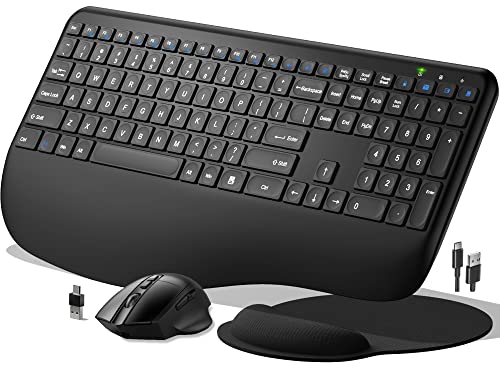
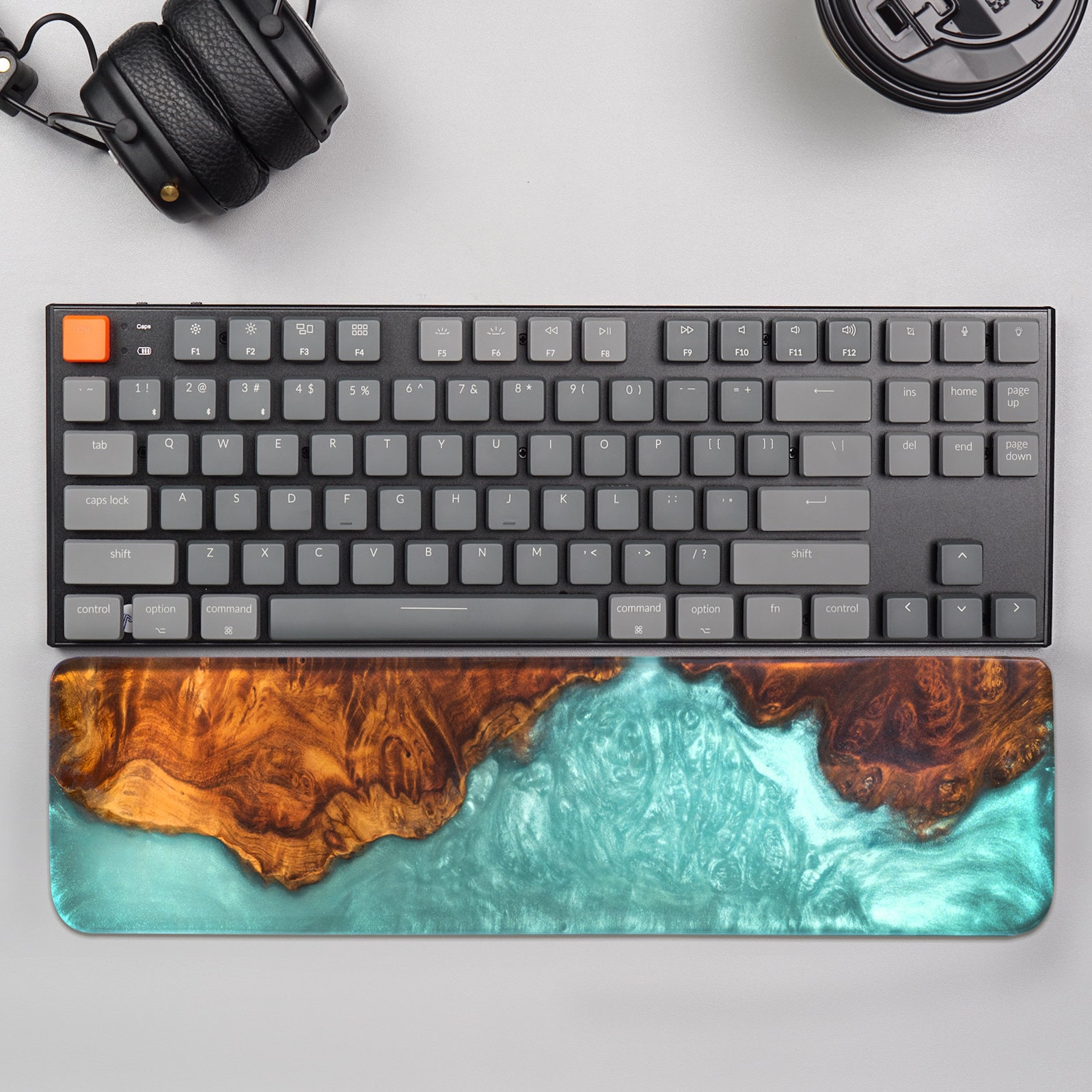
Another significant advantage of ergonomic keyboards is their adjustable features. Many keyboards come with height and angle customization options that allow you to find the perfect position for your hands. This personalization can enhance your comfort level while typing, helping you focus on your work rather than your discomfort. Furthermore, some ergonomic keyboards include wrist rests that offer added support, making long typing sessions feel easier.
In addition to comfort, ergonomic keyboards can enhance your productivity. When your hands and wrists are comfortable, you're less likely to take breaks due to discomfort, allowing you to stay focused on the task at hand. With less pain and fatigue, you can type faster and more efficiently, whether you're writing reports, programming, or gaming.
How to Choose the Right Keyboard
Choosing the right keyboard is essential for enhancing your typing experience and overall comfort, especially if you spend long hours at the computer. First, consider the type of switch you prefer. Mechanical keyboards often provide tactile feedback, while membrane keyboards tend to be quieter and softer. If you're unsure, try out both types at a local store to see which feels more comfortable for you.
Next, think about the layout and size of the keyboard. Ergonomic keyboards often come in different designs, such as split or curved shapes, to promote better wrist alignment. Ensure that the keyboard you choose fits your workspace and allows you to maintain a natural posture. Compact keyboards can save space but may sacrifice some functionality, so consider what features you need.
Don't overlook additional features like wrist rests and adjustable heights. A good wrist rest can help reduce strain during long typing sessions, while adjustable height makes it easier to find a comfortable typing angle. Look for keyboards with customizable keys or programmable shortcuts if you want to tailor your setup for maximum efficiency.
Finally, pay attention to build quality and durability. A keyboard is an investment, so opt for one that can withstand regular use. Research user reviews and ratings to get a sense of which keyboards hold up over time. Ultimately, the best keyboard is one that feels comfortable and meets your personal needs, making your work or play more enjoyable.
Tips for Adjusting Your Workspace
Adjusting your workspace for optimal comfort is essential when using an ergonomic keyboard. Consider the height of your desk first. Ideally, your elbows should be at a 90-degree angle while typing, so adjust your chair or desk accordingly. If your desk is too high, you may need to elevate your chair or use a footrest to maintain proper posture. Conversely, a desk that is too low can lead to hunching, which can cause discomfort over time.
Next, pay attention to your keyboard positioning. Your ergonomic keyboard should be placed at a level that allows your wrists to remain straight while typing. If your wrists are angled up or down, it can lead to strain. Try to keep your keyboard directly in front of you, allowing for a natural arm position. You might also want to consider an adjustable keyboard tray for more flexibility in positioning.
Lighting is another crucial element in creating a comfortable workspace. Ensure that your workspace is well-lit to reduce eye strain, especially when working long hours. Natural light is great, but if that isn’t possible, opt for a desk lamp with adjustable brightness. Position the light source to avoid glare on your screen and maintain a comfortable viewing angle.
Lastly, don’t forget about breaks! Taking regular breaks can significantly improve your comfort and productivity. Every 30 minutes or so, stand up, stretch, and move around. This helps reduce tension in your muscles and keeps your energy levels up. Incorporating movement into your routine will make using your ergonomic keyboard a more enjoyable experience.
Maintaining Your Ergonomic Equipment
Another important aspect of maintenance is checking for software updates. Many ergonomic keyboards come with software that can improve their features and compatibility. By keeping your software up to date, you can enjoy optimal performance and access any new functionalities that may enhance your typing experience. Be sure to visit the manufacturer’s website regularly to check for any updates or patches that may be available.
Finally, consider the placement of your ergonomic keyboard. Over time, the ideal setup may change due to shifts in your workspace or changes in your body. Take a moment to assess whether your keyboard is positioned at the correct height and angle to reduce strain on your wrists and arms. Adjusting your setup periodically can make a significant difference in your comfort level while typing.